Read and explain fault codes
OBD2 faults are shown with possible causes, typical symptoms and useful checks.
ANDROID APP · AI MECHANIC
Combine OBD2 diagnostics with an AI mechanic. Fault codes, symptoms and measurements are organized into understandable explanations and practical checks.
DIAGNOSTIX
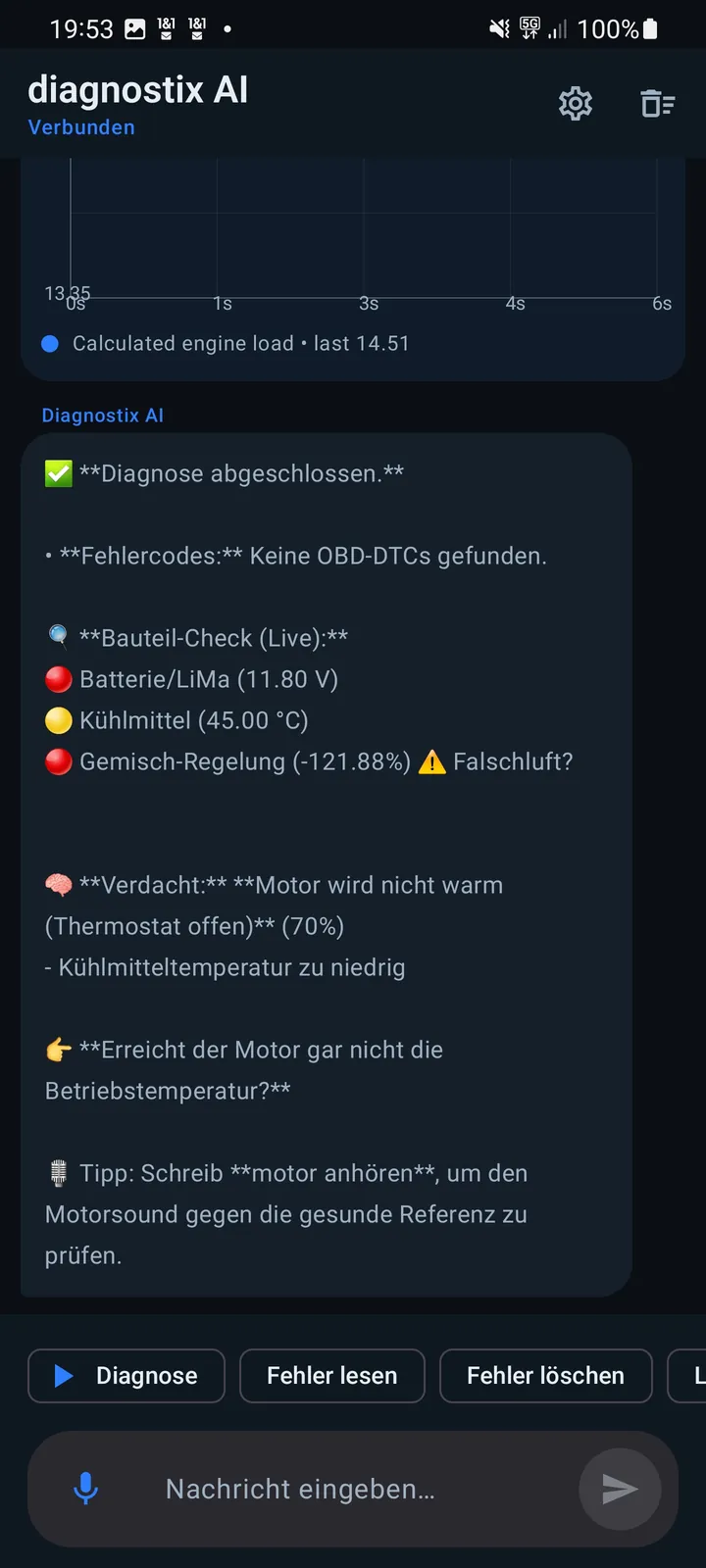
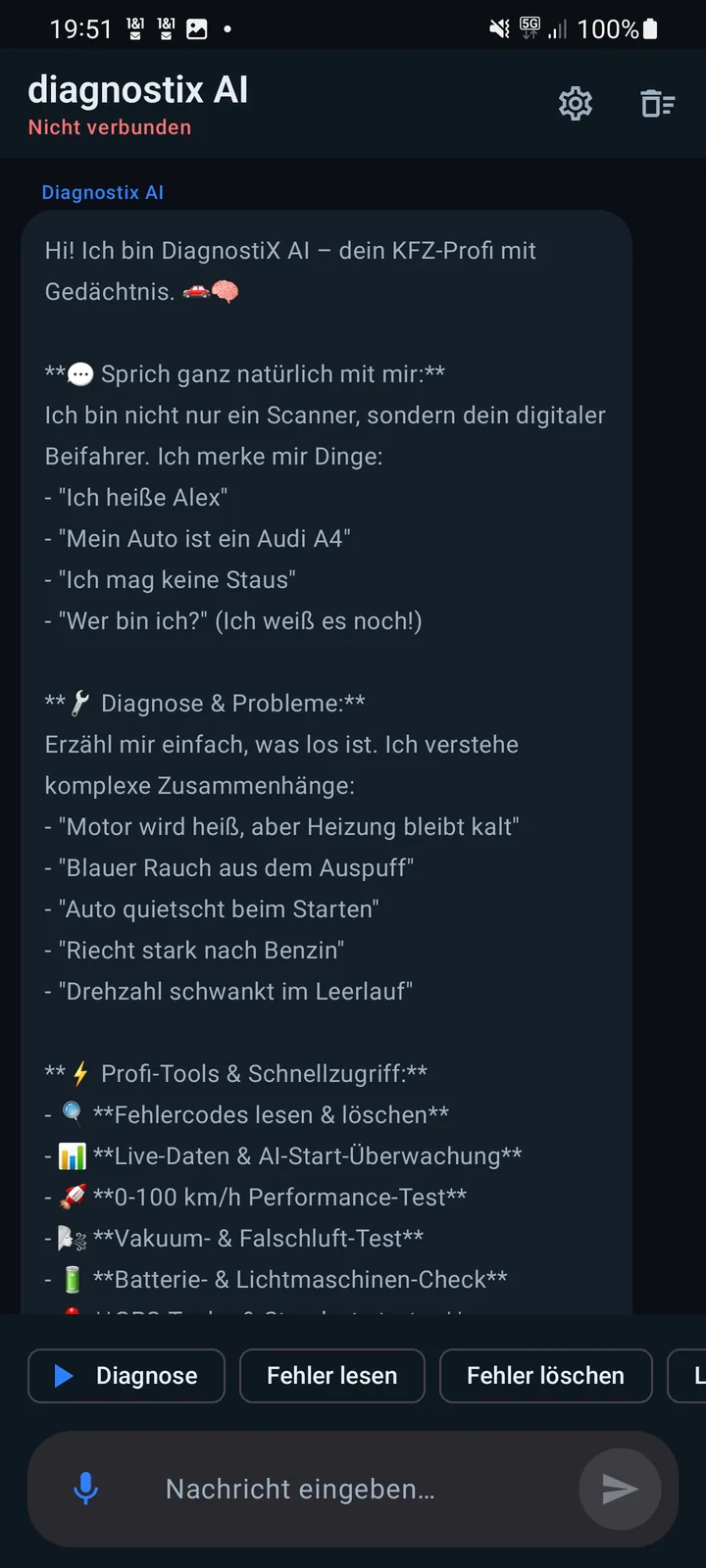
DiagnostiX AI helps you interpret technical information. The app combines vehicle data, fault codes and your description into a structured overview for the next checks.
OBD2 faults are shown with possible causes, typical symptoms and useful checks.
Describe loss of power, misfires, noises or warning lights and receive a structured assessment.
Results can be summarized clearly for documentation or workshop discussions.
Selected guided service workflows are available for compatible vehicles. Availability depends on the vehicle, control unit and adapter.
WORKFLOW
Connect a compatible OBD2 adapter, switch on the ignition and pair it in the app.
Read fault codes or describe the vehicle problem precisely in the AI chat.
Work through possible causes, symptoms and recommended checks.
Summarize relevant information in a diagnostic report.
OBD2 / EOBD
The quality of the assessment depends on available vehicle data and the details you provide. Safety-related work should be checked professionally.
FAQ
In addition to reading data, DiagnostiX AI explains fault codes and symptoms in plain language and organizes possible causes and checks.
No. The app supports interpretation and preparation. Safety-related diagnostics and repairs must be verified professionally.
Yes. You can describe observations such as loss of power, noises, warning lights or starting problems for structured evaluation.
Selected functions target compatible Audi, Volkswagen, Škoda and SEAT/CUPRA MQB vehicles. Exact availability depends on model year, control unit and adapter.

DIAGNOSTIX
Choose the diagnostic option that fits you and connect your vehicle with a compatible OBD2 adapter.